Before you send a single text.
Text marketing is regulated, and carriers watch how people react to your messages. A campaign sent to the wrong list can cost you your sending number. Tick every box first.
- You have permission to text these people. They are past customers, or they gave you their number and agreed to hear from you. Never text a bought or scraped list.
- Your number is registered. In the US, a local number needs A2P 10DLC registration and a toll-free number needs toll-free verification. Until then, business texts to US numbers are blocked.
- Opt-out is switched on. The first message must say how to stop, for example "Reply STOP to opt out". GoHighLevel can add it to the first text in each conversation automatically: the setting is "Make SMS compliant by adding an opt-out message" under Settings, Phone System. Check it's on, and don't add the line twice.
- You send at a decent hour. Send in business hours in the recipient's time zone. In the US, stay between 8am and 9pm local time. Some states are stricter, so mid-morning is safest.
- Current customers and past opt-outs are removed. Anyone who already said STOP, or who is buying from you right now, comes off the list.
United States
Register your number first. Texting people who never gave consent carries real legal risk under the TCPA.
UK and EU
Marketing texts generally need prior consent. The main exception is existing customers, about similar products, with a clear way to opt out.
South Africa
Under POPIA you can market to existing customers about similar products with an opt-out. Everyone else needs consent first, and you may ask them for it once.
This is a practical checklist, not legal advice. Rules vary by country and state and they change. If you're unsure, check with a local advisor before you send.
Pull and clean the list
Export every past customer and lead, then clean the list before it goes anywhere near a sending tool.
- Export contacts from wherever they live: your CRM, job software, invoicing tool or spreadsheets.
- Use the prompt below with your AI assistant to remove duplicates, empty rows and past opt-outs, and to tidy the phone numbers.
- Run the cleaned numbers through a phone validation tool to strip out landlines and dead numbers. They cost you money and can't reply.
- Remove anyone who is a current active customer.
I'm attaching a contact list export. Clean it for a text message campaign.

1. Remove duplicate phone numbers, rows with no phone number, and anyone marked as opted out, unsubscribed or do not contact.
2. Put every phone number in full international format (for example +1 for US numbers). If a number looks invalid or the country is unclear, flag it. Do not guess.
3. Keep first names and fix their capitalisation. Leave the name blank if it's missing or clearly not a name.
4. Keep any date and spend columns exactly as they are.

Give me back a clean CSV and a short summary: rows in, rows removed and why, rows out. Do not invent or fill in missing data.
Only share contact data with AI tools your business has approved for customer information.
Sort hottest first
The people most likely to say yes get the message first. The coldest contacts go last.
- Tier 1: recent customers and recent leads from the last year, plus your biggest past spenders.
- Tier 2: customers from the year or so before that.
- Tier 3: your oldest contacts. They are the most likely to have forgotten you and reply STOP.
Using the clean list, sort contacts for a reactivation campaign, warmest first.

Put each contact into one of three tiers using the columns I have (last purchase or last contact date, total spent, date added):
- Tier 1: bought from us or enquired in the last year, or among our top spenders.
- Tier 2: last bought or enquired the year before that.
- Tier 3: everyone older, plus anyone with no usable date.

Add a "tier" column, sort by tier, and tell me which column you used for each decision and how many contacts landed in each tier.
Why the order matters: if early batches get a lot of opt-outs, carriers and platforms can slow down or pause your number. Warm contacts first build a clean track record before you reach the cold ones.
Write one message
One text. One true reason to reply now. One tiny ask. Keep it inside 160 characters so it sends as a single segment.
- Who you are: "Hi Sarah, it's Mike at Oakline Builders." They should know who's texting within five words.
- A timely reason: a season, an opening in the diary, a price you're holding. Something true that explains why now.
- A simple offer: last year's price, priority booking, a free check. Easy to say yes to.
- Reply YES: no link and no form. You do the work once they say yes.
Write three versions of a reactivation text message for my business.

Business: [your business name and what you do]
Who's sending it: [your first name or "the team at ..."]
The true reason to reply now: [for example a season, open slots, a price you're holding]
The offer: [what they get if they say yes]

Rules:
- Under 150 characters including a first name, so it stays one segment after the opt-out line is added.
- Start with "Hi [first name]," and say who it's from in the first sentence.
- End with "Reply YES". No links, no emojis, straight apostrophes only.
- Only use the reason and offer I gave you. Don't invent discounts or deadlines.

Show the character count for each version.
Skip the emojis. A single emoji switches the whole message to a different encoding that fits only 70 characters per segment instead of 160, which can double or triple the cost of the send.
Send in small batches
Never send the whole list at once. If thousands of people get the message together, nobody can answer them all and the warm ones go cold while they wait.
- Use your platform's drip or batch setting.
- Send only as many as one person can answer properly on day one.
- If day one runs clean, send more the next day. If it doesn't, pause and fix the message first.
New GoHighLevel accounts start with a daily sending limit that rises as you send more, and US carrier limits also depend on your number registration. Ramp up slowly.
Answer every YES fast
This is where the campaign is won. A YES is a warm person holding their phone right now. Reply within minutes, not hours.
- The best replies come from a real person who then picks up the phone. Owners who answer their own replies stay close to what customers want.
- If no one can watch the inbox, an AI assistant can reply and send a booking link. Test it hard first and keep a human watching the conversations.
- Treat questions as buying signals and answer them personally.
- Anyone who says no, N or STOP never hears from you again.
When they reply YES:
Great, thanks Sarah. I'll give you a quick call in the next few minutes to find a time. Is this still the best number?

When they ask a question:
Good question. [Answer in one or two lines.] Want me to hold a spot for you while we sort the details?

When they reply N or NO:
No problem at all. You won't hear from us again by text. Thanks, Sarah.
Optional: add "Reply N if not interested" to your message, and set an automation that treats N as an opt-out.
Follow up by email, then wait
Don't chase with text after text. Every extra message raises your opt-out rate.
- The next day, email the same offer to anyone who didn't reply and has an email address. Some contacts only have a landline on file.
- Then leave them alone. Next month, come back with a different reason and a different offer.
- Record what you booked. It's your case study for the next campaign.
Subject: Holding a spot for you, Sarah

Hi Sarah,

It's Mike at Oakline Builders. We're booking spring projects now, and past customers get first pick of dates before we open the diary to everyone else.

If you'd like one held, just reply to this email with YES and I'll call you to find a time.

Thanks,
Mike
Message cost checker
Paste your message to see how many segments it uses, whether anything is quietly inflating the cost, and what the whole send will cost.
Estimate only. Check your provider's rates. International texts usually cost more, and some carriers add fees. Type placeholders at a realistic length.
Six message templates
Swap in your own business name and a reason that's true right now. Each one fits a single segment with a normal-length first name.
Two workflows. That's the whole system.
1. The send
- Import the cleaned list and tag everyone with the campaign name, for example reactivation-oct.
- Create a workflow with a single Send SMS action holding your message.
- Go to Contacts, filter by the tag, select the contacts, and use the bulk action to add them to the workflow.
- Choose drip mode. Set the batch quantity, how often it repeats, the days and the start time.
- Watch the bulk action's progress on day one and stay near your phone.
2. The reply router
Trigger: Customer Replied, filtered to contacts with the campaign tag.
Send and call from the same number people received the message from, so replies and callbacks land in one inbox.
Send it once. Then do it again next month.
- Consent, number registration and opt-out checked.
- List cleaned, validated and current customers removed.
- Contacts sorted into three tiers, warmest first.
- One message written, under one segment, ending in Reply YES.
- Tested on your own phone, including the YES and N replies.
- Day one sent in small batches to Tier 1 only.
- Every YES answered within minutes.
- Follow-up email sent the next day to people who didn't reply.
Every clean, tagged, responded-to contact makes your next campaign stronger. Treat the list as an asset you keep building.
Run this with a community behind you.
Join AI Lead Builder for the software, the system and the weekly support to run campaigns like this one.
Your membership brings together weekly coaching with me, training and call replays, the CRM and automation software to send and route every reply, and the Agency OS plugin.
Learn and get help
Weekly live coaching, training, and a community of business owners building alongside you.
Build and put it to use
Agency OS plus software for your CRM, text and email campaigns, funnels and follow-up.
Hear from Jerry Relth
AI Lead Builder member · Healthcare software, USA
"Agency OS gave me the system, the community gave me the momentum. The weekly calls are genuinely the highlight of my week."
Paul Meyers, PM Consulting, Canada
73 qualified leads in one month"I moved my business onto his AI Lead Builder system, and one month later, seventy-three quality qualified leads that I'm already starting to convert. Now I'm able to do the same for my clients."
Shamimah Koya, Social Zip, Durban, South Africa
Member for over a year"The software he shows us is good, the skills he gives us are good, but that's not why I'm there. I'm there because he looks at what I built and then challenges me by asking who's paying for it."
Carlos Boyd, Apex Resolution, Kansas City
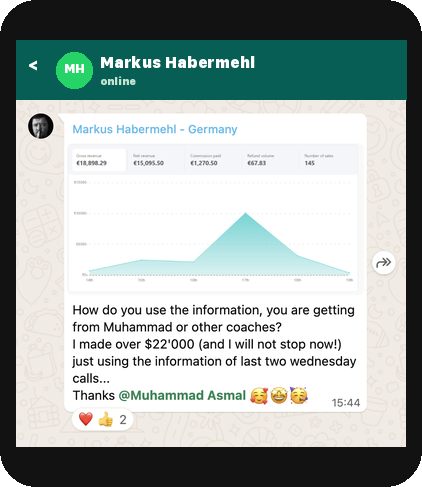
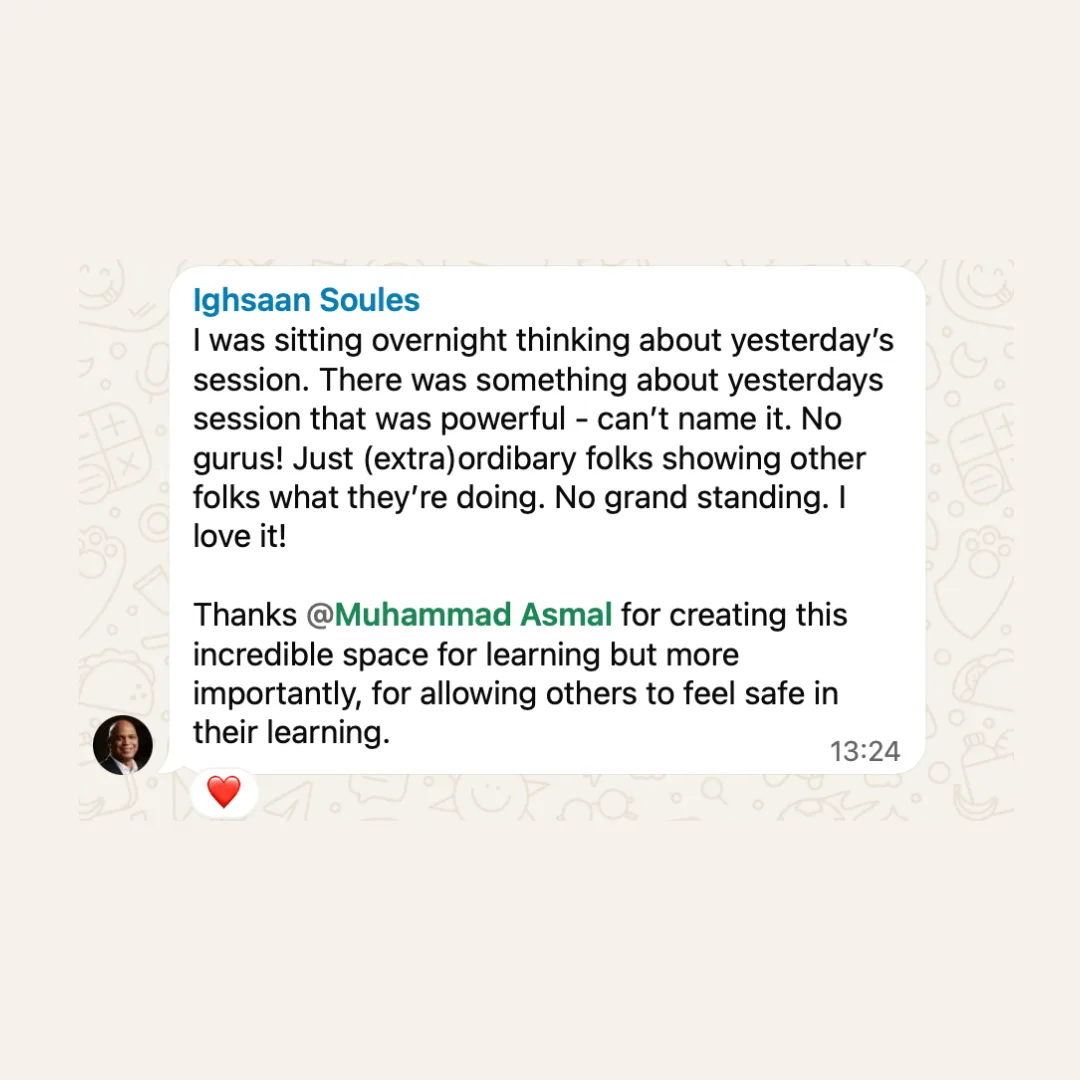
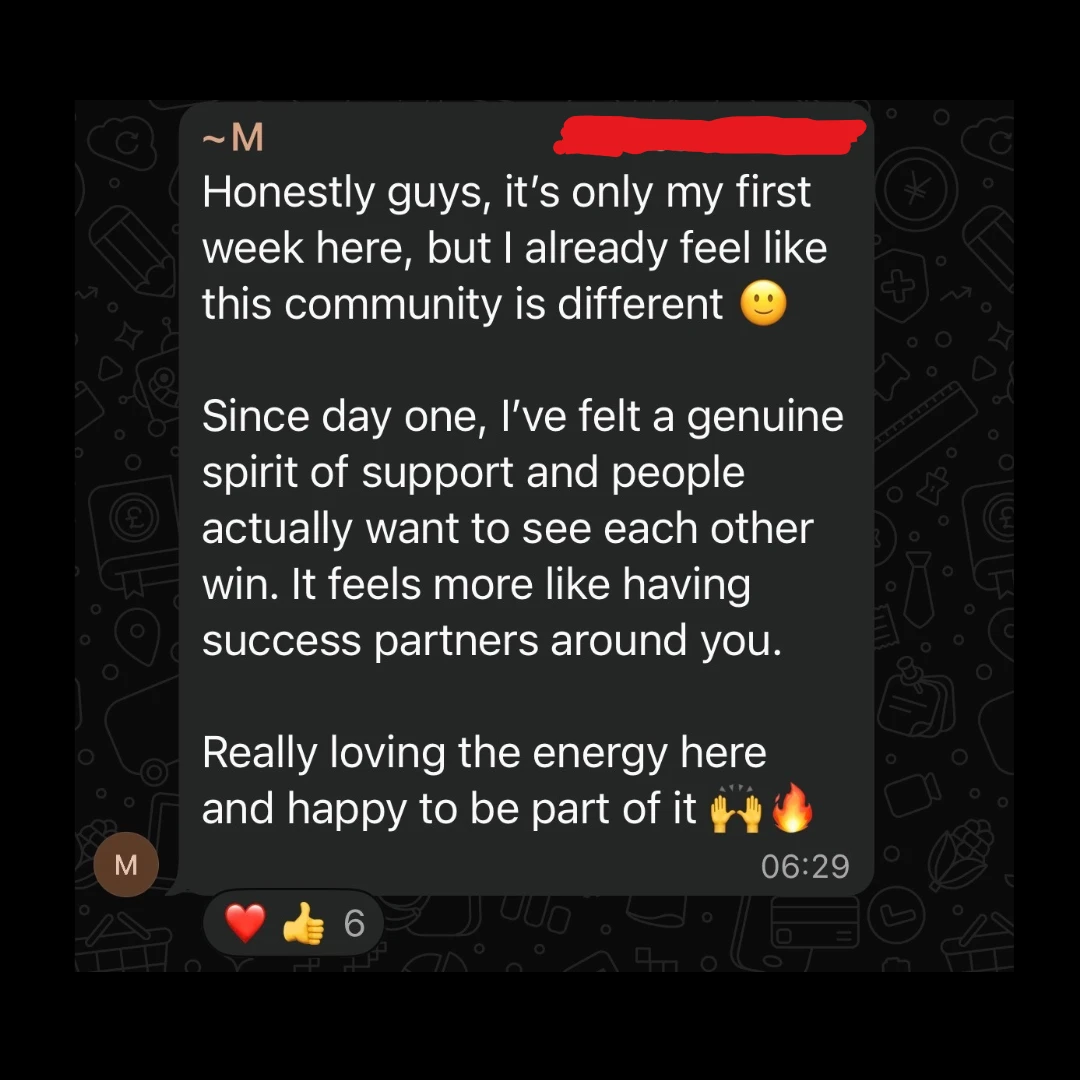
Real messages from inside the community
Cancel anytime.
Join AI Lead BuilderSee the membership details and current offer on the next page.